PHP2Shell: Critical PHP RCE Vulnerabilities and How to Protect Your Server
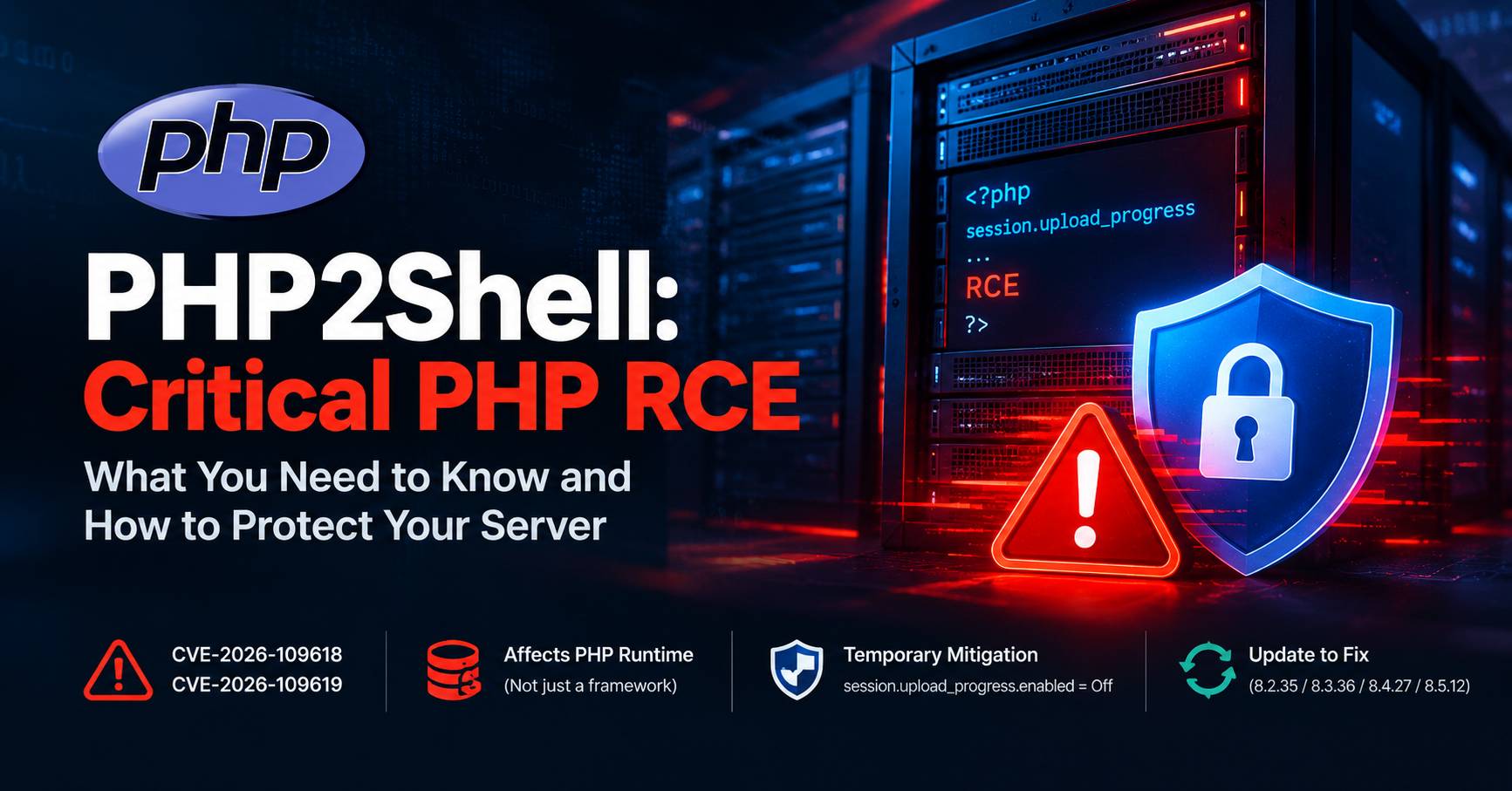
Two critical security vulnerabilities affecting the PHP runtime have triggered an urgent warning for website owners, hosting providers, and developers. Tracked in security reporting as CVE-2026-109618 and CVE-2026-109619, the vulnerabilities have been rated CVSS v4.0 9.2 out of 10.
The concern is not limited to one PHP application or framework. Because the reported issues affect PHP itself, potentially vulnerable environments include websites and applications built with Laravel, WordPress, Magento, WooCommerce, Drupal, Joomla, and other PHP-based technologies.
A public exploit write-up named PHP-UP-2026 claims to demonstrate a path to remote code execution through PHP's session upload-progress handling. Security researchers have also reported that exploit details leaked before the planned security release.
For administrators, this creates a short and potentially dangerous window between public disclosure and the deployment of security patches.
The priority is clear: identify your PHP runtime, prepare the official update, apply temporary risk-reduction measures where appropriate, and install the correct security fix as soon as it becomes available.
What Is PHP2Shell?
PHP2Shell is the name associated with exploit reporting surrounding the two critical PHP vulnerabilities. The PHP-UP-2026 page describes a suspected heap use-after-free vulnerability involving PHP's session.upload_progress functionality and advertises proof-of-concept tooling.
A use-after-free is a memory-management bug. It occurs when a program continues to use a reference to memory after that memory has been released. Under certain conditions, this type of defect can allow an attacker to corrupt program state and potentially influence execution.
The published write-up claims that this behavior can be leveraged to execute operating-system commands through the PHP process.
However, there is an important distinction between the public exploit author's technical claims and the final technical findings from the PHP maintainers. At the time this article was prepared, PHP's official announcement had confirmed two critical vulnerabilities but had not yet published the complete technical advisory or fixed-version list.
The PHP-UP-2026 write-up should therefore be treated as a serious security signal, not as definitive confirmation of every claimed implementation detail or exploit capability.
Understanding CVE-2026-109618 and CVE-2026-109619
The two identifiers are being used in security reporting for the critical PHP vulnerabilities.
| Detail | Reported information |
|---|---|
| Vulnerability identifiers | CVE-2026-109618 and CVE-2026-109619 |
| Severity | Critical |
| CVSS score | 9.2 out of 10, CVSS v4.0 |
| Technology | PHP runtime |
| Reported impact | Remote code execution |
| Official release announcement | October 20, 2026 |
| Scheduled security release | October 21, 2026, at 14:00 UTC |
PHP's official announcement confirms the severity scores and the planned emergency security release. Security research reporting identifies the vulnerabilities as remote code execution issues.
The complete technical description, final affected-version information, and fixes should be taken from the official PHP release advisory once published.
A CVSS score of 9.2 indicates a critical vulnerability requiring urgent attention. It does not, by itself, establish that a particular website has been compromised or that every server configuration can be exploited in the same way.
Why These Vulnerabilities Matter
Many website owners think about application security primarily in terms of their own code. For PHP applications, however, the underlying PHP runtime is another critical part of the security boundary.
If the runtime itself contains an exploitable vulnerability, an application-level fix may not be enough.
Consider a typical web application stack:
-
Operating system and web server
-
PHP runtime and extensions
-
Application framework, such as Laravel
-
Website code, plugins, and dependencies
-
Database, API credentials, and application secrets
The application framework operates on top of PHP. A vulnerability in PHP's runtime can therefore affect applications even when their framework code is otherwise up to date.
If remote code execution is achieved, an attacker may be able to execute commands with the permissions available to the compromised PHP process. Depending on the environment, potential consequences include:
-
Reading application configuration and exposed secrets.
-
Accessing databases using the application's credentials.
-
Modifying website files or placing malicious scripts.
-
Establishing persistence through scheduled tasks or other mechanisms.
-
Attempting to access other services reachable from the compromised account.
These are potential consequences of server-side code execution, not proof that all of these outcomes have occurred in connection with this particular disclosure.
The actual impact depends on the vulnerability's exploitability, server permissions, isolation controls, and the application's configuration.
Which PHP Applications Could Be Affected?
Because the reported vulnerabilities are in PHP itself, the risk is not limited to a specific framework.
Potentially relevant environments include:
Laravel applications: Laravel does not need to contain the vulnerable code for a PHP runtime vulnerability to matter. Updating Composer dependencies alone is not a substitute for a PHP security update.
WordPress websites: WordPress core, themes, and plugins all run within the PHP environment. Updating WordPress alone would not correct a vulnerability in the PHP runtime.
WooCommerce and Magento stores: E-commerce websites can expose valuable customer, order, and business data. Administrators should treat infrastructure-level vulnerabilities as a high priority.
Other PHP applications: Drupal, Joomla, custom PHP applications, control panels, and other PHP-based services should be included in the affected-asset inventory.
Security reporting has discussed potential impact on PHP versions dating back to PHP 5.4. The final affected scope and any qualifications should be checked against the official security advisory.
Expected PHP Security Updates
Before the scheduled release, the following patch-version changes were circulating in security reporting:
| Current version | Expected target |
|---|---|
| PHP 8.2.34 | PHP 8.2.35 |
| PHP 8.3.35 | PHP 8.3.36 |
| PHP 8.4.26 | PHP 8.4.27 |
| PHP 8.5.11 | PHP 8.5.12 |
Important: These are expected version numbers, not a substitute for the official release announcement. Confirm the actual fixed versions at PHP.net and with your operating-system or hosting provider before making an upgrade decision.
Where possible, update to the appropriate patched release within your existing PHP branch. Moving between minor PHP branches may introduce compatibility changes and should be tested before production deployment.
What About PHP 8.1 and Older?
PHP 8.1 and older versions are outside the currently supported upstream security branches. Administrators running these versions should not assume that an official patch will be provided.
If a system depends on an older PHP release, contact the hosting provider or distribution maintainer and ask whether a security backport is available. Plan a migration to a supported PHP branch as soon as practical.
Disabling a PHP feature does not restore security support for an end-of-life runtime.
Temporary Mitigation: Disable Upload-Progress Tracking
The PHP-UP-2026 write-up recommends the following configuration as a temporary mitigation:
session.upload_progress.enabled = Off
PHP provides session upload-progress tracking so applications can monitor the progress of uploads. Disabling this feature is intended to reduce exposure to the reported attack path involving that functionality.
To apply the setting, use the configuration mechanism supported by your environment, which may include php.ini, .user.ini, or a hosting control panel.
After changing the configuration, reload or restart the relevant PHP-FPM service or web server where necessary and confirm that the setting is active for the web-facing PHP runtime.
Does This Completely Fix PHP2Shell?
No. Administrators should not consider this setting a confirmed complete fix for either vulnerability.
The exploit author claims that the reported issue may have more than one relevant exploitation path. That claim has not been established by the final official PHP advisory at the time of writing.
Consequently, disabling upload-progress tracking is a precautionary measure, not a replacement for the security patch.
The setting can also affect applications that use PHP's built-in upload-progress feature for progress indicators. It does not, by itself, disable ordinary file uploads, but applications relying on this particular feature should be tested after the change.
Additional Defensive Measures Before Patching
If the official patch is not yet available for your environment, consider the following temporary controls alongside the upload-progress setting.
1. Inventory Every PHP Runtime
Identify the PHP version used by every public-facing site, API, administration panel, and background worker.
Do not rely only on the output of php -v in a terminal. The command-line PHP executable may differ from the PHP handler used by a website.
Record the version, hosting account, PHP handler, operating system, and provider for each application.
2. Review Upload Exposure at the Network Edge
Where your application architecture permits it, review web application firewall and reverse-proxy rules for unnecessary multipart POST requests.
Temporary restrictions or rate limits should be targeted to routes that do not require file uploads. Do not indiscriminately block multipart requests across an entire website if legitimate features depend on them.
Network filtering is only a supporting measure and should not be assumed to eliminate the underlying runtime vulnerability.
3. Reduce the Impact of a Potential Compromise
Use least-privilege permissions for PHP processes and application accounts. Limit access to secrets and services that the web application does not need.
Ensure that backups are current and that your team knows how to restore a clean application environment. These measures cannot eliminate the vulnerability, but they can reduce the potential damage from a compromise.
4. Prepare a Patch and Recovery Plan
Confirm which package or hosted PHP version your provider will supply. Prepare a staging test if your deployment process allows it, while prioritizing exposed production systems when the security fix becomes available.
Make sure someone is responsible for checking the release and confirming that the upgrade has actually been applied.
Applying the Fix on cPanel Hosting
Shared hosting customers generally cannot independently install or rebuild the PHP runtime. The provider controls the available runtime packages and may manage PHP-FPM, Apache, LiteSpeed, or other handlers.
cPanel installations may use different PHP distributions, including:
-
ea-php84: a cPanel EasyApache PHP build. -
alt-php84: a CloudLinux PHP build.
These are different package families. A fix being available for one does not guarantee that the same fixed build has been installed for the other.
If you use cPanel hosting, ask the provider to:
-
Identify the PHP runtime and handler used by your domain.
-
Confirm the patched package available for that runtime.
-
Apply the security update as soon as it is released.
-
Reload or restart the relevant service if necessary.
-
Confirm the effective web PHP version and test the website after upgrading.
If the provider cannot patch your current runtime, request a clear mitigation plan and timeline for a supported or backported fix.
How to Verify That the Patch Is Applied
After the update, verify the PHP version used by the website itself—not just the version displayed in a terminal.
Use your hosting control panel or a trusted administrative check to confirm the runtime version. If you temporarily create a PHP diagnostic file, restrict access to it and remove it immediately after verification. Never leave a public phpinfo() page exposed.
Then test the application:
-
Homepage, authentication, and essential user workflows.
-
File uploads and other features affected by configuration changes.
-
Background jobs and scheduled tasks.
-
Database connectivity and external API integrations.
-
Error logs for new failures after the update.
Keep a record of the old version, patched version, deployment time, and result of the post-update check.
What If You Suspect Your Server Was Already Compromised?
A vulnerability disclosure does not automatically mean your website has been hacked. However, a successful code-execution attack may not always be obvious to the site owner.
If you identify suspicious activity, do not rely on patching alone.
Preserve relevant logs and evidence, investigate unexpected PHP child processes or file changes, review scheduled tasks and account access, and check for suspicious outbound connections. Where compromise is suspected, consider isolating the affected system while following your incident-response procedures.
After containment, restore from a known-clean source where appropriate, update the runtime, and rotate credentials and tokens that may have been exposed. Be careful when rotating application encryption keys because doing so may invalidate data or sessions encrypted using the previous key.
For business-critical applications, involve a qualified incident-response professional if unauthorized command execution or persistence is suspected.
Frequently Asked Questions
Is Laravel itself vulnerable?
The reported issue is in the PHP runtime rather than necessarily in Laravel. A Laravel application using an affected runtime may be at risk even if its application code and dependencies are current.
Is updating Composer dependencies enough?
No. Composer dependencies are application-level packages. They do not replace the underlying PHP runtime or install a PHP core security patch.
Is session.upload_progress.enabled = Off sufficient?
It is a temporary precaution based on the reported attack path. It has not been confirmed as a complete fix. Install the official patched PHP release as soon as it is available.
Should I upgrade immediately to the newest PHP major version?
Not necessarily. Prefer the correct patched release for your existing supported branch, subject to the official advisory and your provider's packages. Test compatibility before making a larger version migration.
What if my hosting provider has not released the patch?
Contact the provider, ask for its expected availability, and request a security backport or a migration path if the current branch is unsupported. Keep appropriate temporary controls in place, but do not treat them as equivalent to a patch.
Does this mean every PHP website has been compromised?
No. A vulnerability creates potential exposure; it does not demonstrate that an attack succeeded against a specific site. Patch promptly and review relevant logs if there is reason to suspect exploitation.
Final Recommendations
PHP2Shell is a serious warning for anyone responsible for a PHP-based website or API. The reported remote-code-execution impact, high severity scores, and public exploit claims mean administrators should prepare for rapid remediation rather than waiting for routine maintenance.
The most important actions are straightforward:
-
Inventory the PHP runtime used by each public-facing application.
-
Apply
session.upload_progress.enabled = Offas a temporary precaution where appropriate. -
Ask your hosting provider to prepare the correct security package.
-
Install and verify the official patched release as soon as it becomes available.
-
Investigate suspicious activity rather than assuming that a successful version upgrade proves there was no earlier compromise.
Do not rely on application updates, a single configuration setting, or a web application firewall as substitutes for patching PHP itself.
Sources and Further Reading
Editorial note: This article was prepared using information available before the scheduled October 21, 2026 PHP security release. Confirm the final technical details and patched versions through the official PHP advisory before publishing.
Related Posts



Why an Anthropic Researcher Resigned: Are We Moving Too Fast With AI?

Why Your Phone Lowers IQ: A Neuroscientist’s Guide to 10x Focus

The Rise of Huawei: Why the World’s Biggest Tech Giant is in Trouble