
WAEC Photo [All Countries] Resizer, Converter Compressor
Using this free tool, without using any app or software and according to WAEC photo and signature guidelines, resize your photo and signature, compress file size, and convert file format for WAEC on any mobile or computer.
Uso WAEC Photo [All Countries] Resizer, Converter Compressor
Exam Photo & Document Tool
Drag & drop your image
JPG, PNG, WebP supported
Leer el contenido
WAEC Photo and Signature Resizer, Compressor and Converter for All Country
WAEC Photo and Signature Resizer, Compressor, and Converter is a free tool where you can easily resize your photo and signature dimensions, compress file size, and convert photo and signature format for WAEC. To resize, compress/reduce the size and convert your photo and signature for WAEC and according to WAEC Photo and Signature guidelines and instructions.
Even you do not need to download or install any app or software. This tool is supported by every mobile, computer, operating system, and browser for free. No uses limit.
Here you will find all WAEC country's photos (passport size & other sizes), signature and certificate documents' accurate dimensions, sizes, and formats to resize, compress and convert your documents according to your WAEC instructions and guidelines.
How to resize photo/image for WAEC registration
Browse this WAEC Photo and Signature Resizer, Converter Compressor tool from here
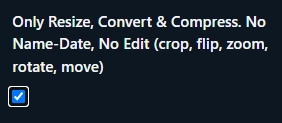
If you do not want to edit your photo (No crop, flip, zoom, rotate, move) then click Only Resize, Convert & Compress option.
Upload your photo

Then click Crop, Zoom, Rotate, Flip, Move button to edit (crop, flip, zoom, rotate, move) your photo or click Next. Resize, Convert and Compress to button to Resize, Convert & Compress.

Then click to download button to save the processed image
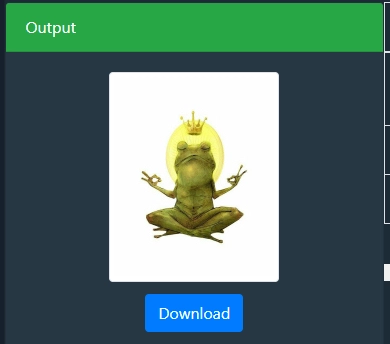
And finally, upload your photo and certificate without any dimensions, size, or format errors.
Comentarios (0)
Describe el problema que has tenido para que podamos investigarlo y mejorar la herramienta.