
Image DPI Converter Online
Enter your new DPI value and upload your image, within a second your image DPI value will be changed without any hassle and for free.
Utilisation Image DPI Converter Online
Configuration
Sélectionner des images
Lire le contenu
How to change and convert Image DPI?
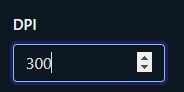
- Enter your new DPI value on the DPI input box

- Select an image from your device or drag and drop your image to Upload

- Your old dpi value will be replaced by your new dpi value
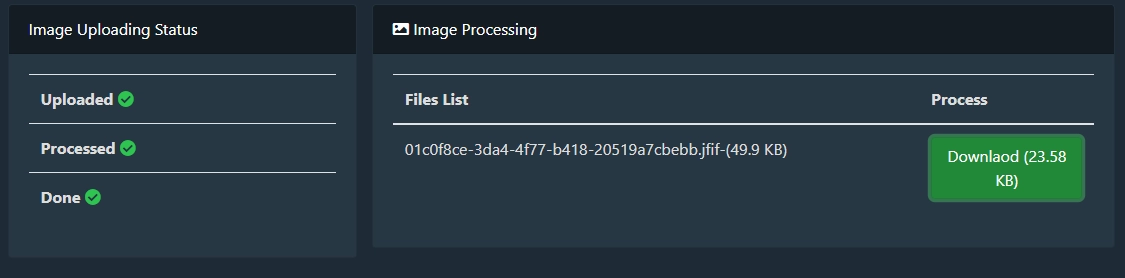
- After changing DPI, click the download button to download your image with the new DPI value
What is DPI?
DPI stands for Dot Per Inch. DPI refers to the number of dots per inch (DPI), of a printing or display device. It is a measure of the resolution and quality of an image.
It dictates the number of dots of ink per inch that a printer can lay down on paper. The higher the DPI, the more detail and clarity in the print. 300 DPI is considered standard, while 600 DPI is considered high resolution.
Why DPI is important
DPI is important in measuring the printing resolution and quality of a digital image. It is essentially a measure of how many dots per inch there are in an image. The higher the DPI, the better the quality of the image, more detail can be printed, or more pixels can be displayed in a given area. However, it is important to note that DPI is not a measure of how large or small an image is. Rather, it is a measure of how much detail an image contains.
There is some device like printing and scanning device that read DPI to measure printing/scanning resolution. Using this tool above, you can change your image DPI value according to your need.
The human eye can distinguish between about 300 and 600 DPI.
DPI is based on printing and scanning, and it's been around for a long time. Most people don't need to worry about DPI. But if you work with images or need to print things out, it's important to understand the concept.
How to change and convert Image DPI to 200 or 300?
- Enter 200, 300 (according to your need) on the DPI input box
- Select an image from your device or drag and drop your image to Upload
- Now your image new DPI will be 200, 300 (according to the DPI input box value)
- After changing DPI, click the download button to download your image with the new DPI value
Commentaires (0)
Décrivez le problème que vous avez rencontré afin que nous puissions l'examiner et améliorer l'outil.