
JavaScript (JS) Hint and Lint
JavaScript (JS) Hint and Lint is tool where you can find JavaScript coding error, warning, improvement suggestion, line by line. It will help you to detect errors, warnings quickly and easily. It will also help to maintain JavaScript coding standard.
사용법 JavaScript (JS) Hint and Lint
자바스크립트 힌트 및 린트
Monaco Editor에서 코드 입력, 힌트 확인, 린트 문제점을 실시간으로 확인하세요.
편집자
내용 읽기
Javascript Hint
JavaScript is a powerful language, but it can be easy to make mistakes. That's where tools like JS Hint and Lint come in. JavaScript (JS) Hint and Lint is tool where you can find JavaScript coding error, warning, improvement suggestion, line by line. It will help you to detect errors, warnings quickly and easily. It will also help to maintain JavaScript coding standard.
By running these tools regularly, you can help ensure that your code meets prevailing JavaScript coding standards. By following the coding standards set by JS Hint and Lint, you can ensure that your code is up to par with the latest industry standards.
Newisty Javascript (JS) Hint and Lint is a tool that detects errors and potential problems in JavaScript code. This Javascript Hint and Lint is so flexible and easy to use for users, so you can easily use it. Use Javascript Hint and Lint tool is free for lifetime, without any download and installation.
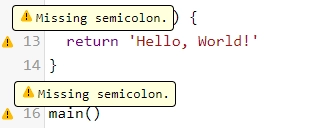
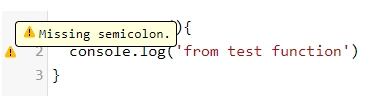
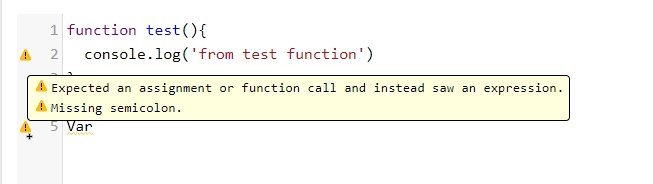
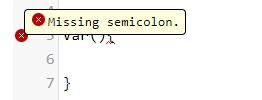
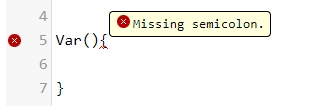
Examples of JavaScript Hint and Lint

댓글 (0)
발생한 문제를 자세히 설명해 주시면, 저희가 이를 조사하고 도구를 개선할 수 있습니다.