
How to Use the Newisty AI API Key
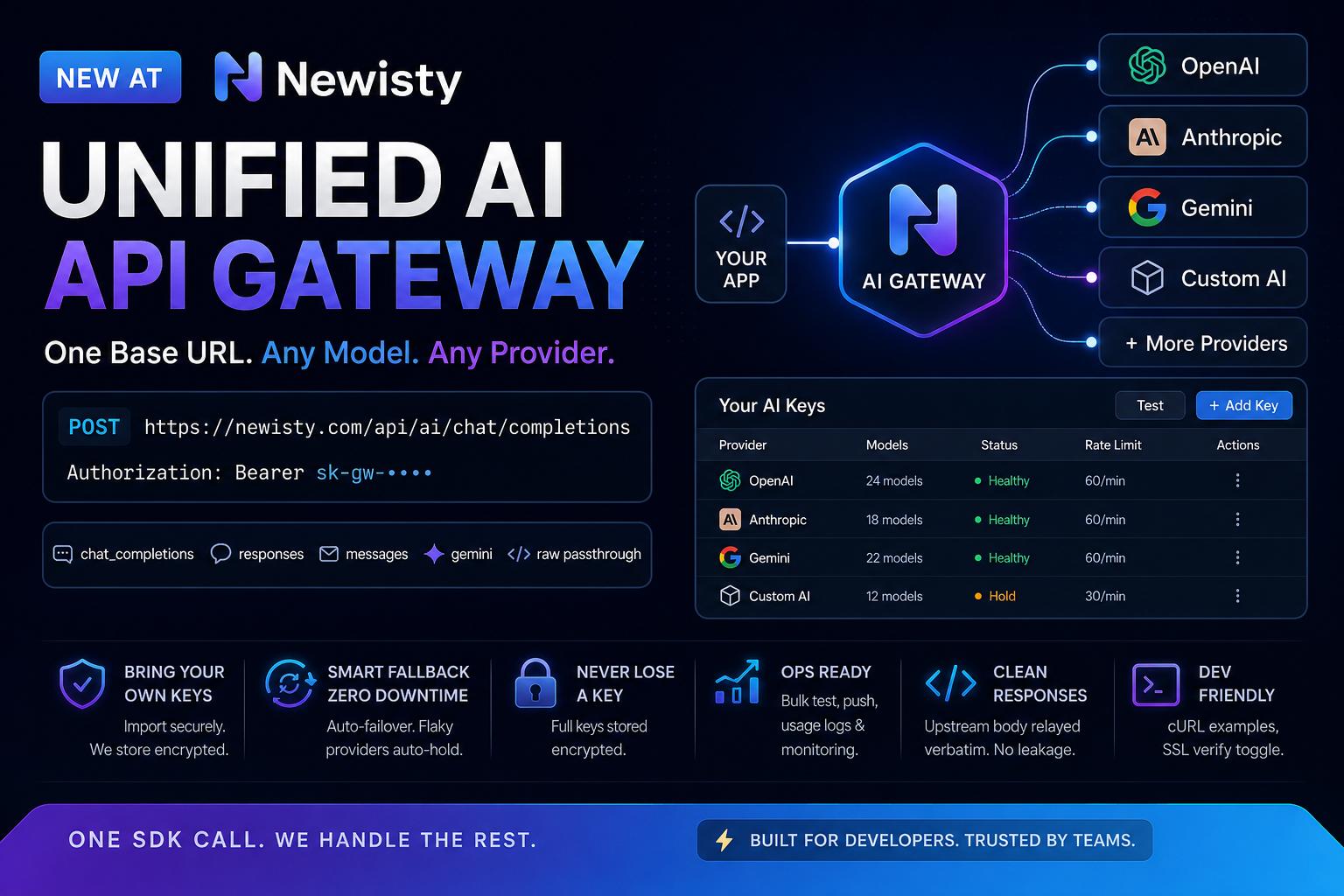
Newisty provides an OpenAI-compatible AI API that allows developers to connect their applications to supported AI models using a simple API key and standard HTTP requests.
API Base URL
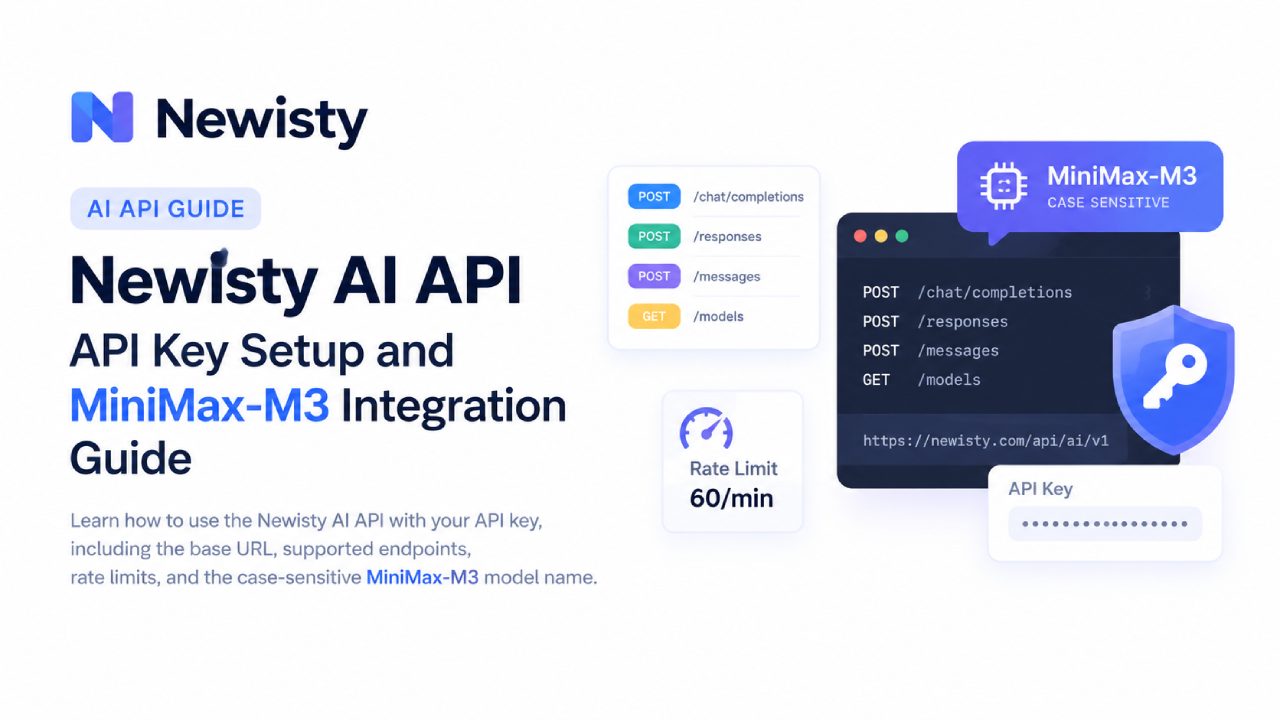
All client requests should use the following base URL:
https://newisty.com/api/ai/v1
The API supports several commonly used AI endpoints, including chat completions, responses, messages, and model listing.
Available Endpoints
POST /chat/completions— Send chat-based AI requests.POST /responses— Create AI responses.POST /messages— Send messages to the AI model.GET /models— Retrieve the available models.
Shared API Key
The API key provided for the client should be included in the Authorization header of every authenticated request.
Authorization: Bearer sk-nwi-nZRCYxGGIWAIByPLoZudnYUK7KCnCbCCHCxAnPp0
Replace sk-nwi-nZRCYxGGIWAIByPLoZudnYUK7KCnCbCCHCxAnPp0 with the API key provided to you. For security reasons, never expose your API key directly in frontend JavaScript, mobile applications, public repositories, screenshots, or publicly accessible documentation.
Available Model
The shared key currently provides access to:
MiniMax-M3
Model ID: MiniMax-M3
Access: 1 allowed model
Rate limit: 60 requests per minute
MiniMax-M3For example, these should not be assumed to be equivalent:
MiniMax-M3

minimax-m3

MINIMAX-M3

MiniMax-m3
Chat Completions Example
You can make a chat completion request using the following structure:
POST https://newisty.com/api/ai/v1/chat/completions


Authorization: Bearer sk-nwi-nZRCYxGGIWAIByPLoZudnYUK7KCnCbCCHCxAnPp0

Content-Type: application/json
Request body:
{

    "model": "MiniMax-M3",

    "messages": [

        {

            "role": "user",

            "content": "Hello, can you help me?"

        }

    ]

}
cURL Example
curl https://newisty.com/api/ai/v1/chat/completions \

  -H "Authorization: Bearer sk-nwi-nZRCYxGGIWAIByPLoZudnYUK7KCnCbCCHCxAnPp0" \

  -H "Content-Type: application/json" \

  -d '{

    "model": "MiniMax-M3",

    "messages": [

      {

        "role": "user",

        "content": "Write a short introduction about artificial intelligence."

      }

    ]

  }'