
Image Cropper and Resizer
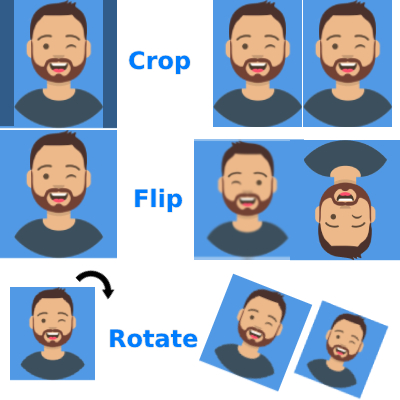
Crop your image easily and smoothly. Crop images and remove unwanted parts from image, zoom in-out, rotate left-right, filp horizontal-vertical, move your image up-down, left-right and many more.
Use Image Cropper and Resizer
Read Content
Crop your images by using online photoshop easily and free. With Image Cropper and Resizer, you can crop images to remove unwanted parts and zoom in-out to get the perfect shot.
You can also rotate images left-right and flip them horizontally-vertical. Plus, you can adjust the image’s position and move your image up-down and left-right to get the perfect composition.
How To Crop Image

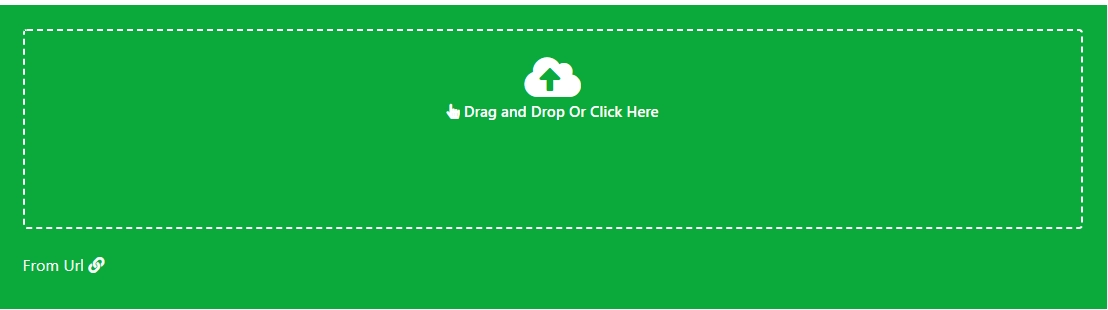
1. Upload Image
2. Select Cropped Area
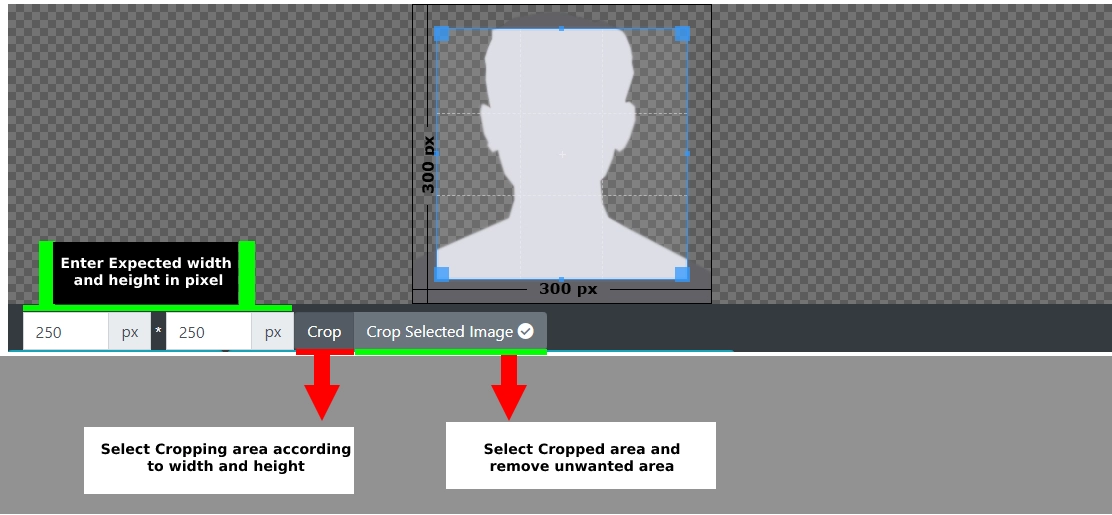
3. Use Tool Buttons

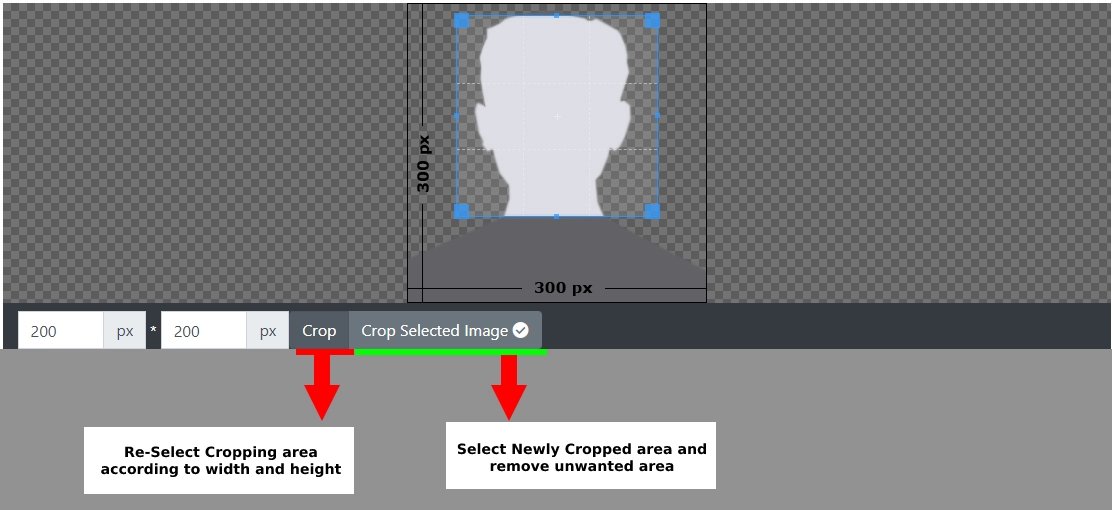
4. After Zoom In or Out
After using zoom buttons

Comments (1)
28/4/2022
For your kind information
This is image cropper tool, here you can crop your image and remove unwanted parts from image. You can not add name and date here.
To add name and date in your photo you can use this tool Add Name and Date In Photo Online for SSC, PSC, Railway Exam and all online form
For TNPSC, TNPSC Photo and Signature Compressor, Resizer, Converter Online Editor
Describe the issue you encountered so we can investigate and improve the tool.