
350+ Gratis Online Tools voor
Ontwikkelaars, Studenten & Professionals.
Afbeeldingsverwerking, PDF-conversie, examenfoto's aanpassen, ontwikkelaarshulpmiddelen — alles op één plek, helemaal gratis.
500.000+ Gebruikers SSL Beveiligd Geen Registratie Bestanden Automatisch Verwijderd 98% Succesratio Werkt op mobiel
Vind het Juiste Gereedschap, Snel
Overzichtelijk ingedeeld in categorieën, zodat u minder tijd kwijt bent aan zoeken.
Examenfoto Tools
Gespecialiseerde tools voor het aanpassen van examenfoto's aan officiële eisen — snel, nauwkeurig en vooraf ingesteld voor veelvoorkomende examencommissies.
Meest gebruikte tools
De tools waar onze gebruikers het meest op vertrouwen

TNPSC Photo and Signature Compressor, Resizer and Converter with Name Date on Photo
Compress, resize and convert your TNPSC 2026 Photo and Signa...

Image to PDF Converter
Convert images to PDF quick & easily! Upload JPG, JPEG, PNG,...

Add Name and Date in Photo Free Online For All Online Forms
This name and date editor tool will help you to add new name...

POST GDS 2026 Photo & Signature Resizer + Convert & Compress
Free India Post GDS 2026 photo & signature resizer. Auto-cro...
300x80px, 60KB Signature Resizer, JPG/JPEG Converter
300x80 px, 60KB Signature resizer will resize your Signature...
Photo Resizer 300x300px and 100KB Converter and Compressor
Photo Resizer image size is 300x300 px (Width X Height) and...

Merge Photo and Signature In One Image File Online
Merge your photo & signature with ease! Upload them & get a...

Image Resizer, Converter and Compressor
This versatile Image Resizer, Compressor & Converter tool le...

WBPSC Photo and signature editor, Resizer and Converter
WBPSC photo and signature resizer will resize photo in 3.5cm...

Bihar PSC (BPSC) Photo and Signature Resizer, Compressor and Converter
Using this Bihar PSC (BPSC) Photo and Signature Resizer, Com...

Image Cropper and Resizer
Crop images and remove unwanted parts from image, zoom in-ou...
BPSC Photo Resizer, Converter and Compressor
Using this tool resize your BPSC photo dimensions to 300*300...
Populaire tools
De tools waar onze gebruikers dagelijks naar terugkeren
Built for Speed, Privacy, and Simplicity
100% Free
Every tool is free. No premium plans, no hidden paywalls, no credit card required.
No Registration
Start using any tool instantly. No email, no password, no verification.
Lightning Fast
Cloud-powered processing delivers results in seconds, not minutes.
Secure & Private
Files auto-deleted after processing. We never store or share your data.
Mobile Friendly
Works perfectly on all devices — desktop, tablet, and smartphone.
Regular Updates
New tools added weekly based on user requests and industry needs.
500+ Gratis tools voor elke categorie
503 gratis online tools — examenfoto- en handtekeningformaatters, afbeeldingsconverters, PDF-samenvoegers, ontwikkelaarsopmaak, beveiligingshulpmiddelen, SEO, rekenmachines en 15 in-browser AI-tools. Geen installatie, geen account nodig.
Hoe het werkt
Drie stappen. Geen account nodig.
Kies een tool
Doorzoek of blader door meer dan 350 tools, ingedeeld per categorie.
Upload of voer gegevens in
Upload je bestand of plak je inhoud. De verwerking start direct.
Resultaat downloaden
Ontvang je verwerkte bestand binnen enkele seconden. Bestanden worden automatisch verwijderd voor je privacy.
Uw privacy is belangrijk
Hoe wij uw bestanden en gegevens in elke stap beschermen
Geen bestandsopslag
Bestanden worden in het geheugen verwerkt en nooit naar schijf geschreven.
Geïsoleerde verwerking
Elk bestand wordt verwerkt in een veilige, geïsoleerde omgeving.
Geen menselijke toegang
Volledig geautomatiseerd — niemand ziet of raakt uw bestanden aan.
Automatisch verwijderd
Alle bestanden worden automatisch binnen maximaal 2 uur verwijderd.
Wat onze gebruikers zeggen
Echte feedback van studenten, ontwikkelaars en professionals
"Thank you sir/madem aapki wajah se pan card ki photos and signiture size karna aasan huwa"
"nice website really useful"
"Thank you very much"
"easy and very very very helpful.. thanks for this website."
"thank you so very much for this tool. it is brill and easy , thank you again for making this free to use. "
"amazing tools sir, thanks for your help"
Laatste nieuws van onze blog
Handleidingen, tips en tutorials voor examenvoorbereiding en het gebruik van tools

How To Add Name And Date On Photo In Mobile For All Exam Form
Add Name and Date In Photo. Add Your name and date of photo or birthday in your photo for SSC, PSC, Railway exam form for free without installing any app or software in mobile or pc.
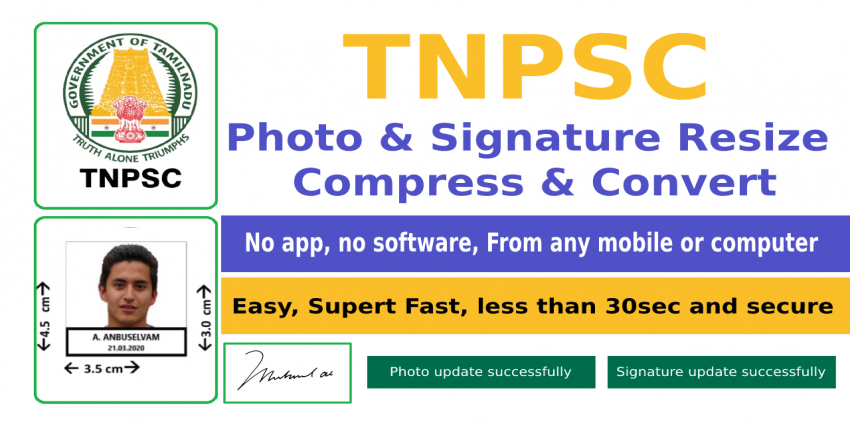
How to Resize, Compress and Convert TNPSC Photo and Signature in Mobile
In this article I will show you how to Resize, Crop, rotate, Compress and Convert TNPSC Photo and Signature, Add Name-Date by using mobile Mobile. TNPSC photo compressor, TNPSC photo and signature size,tnpsc photo size,tnpsc signature compressor,tnpsc ima
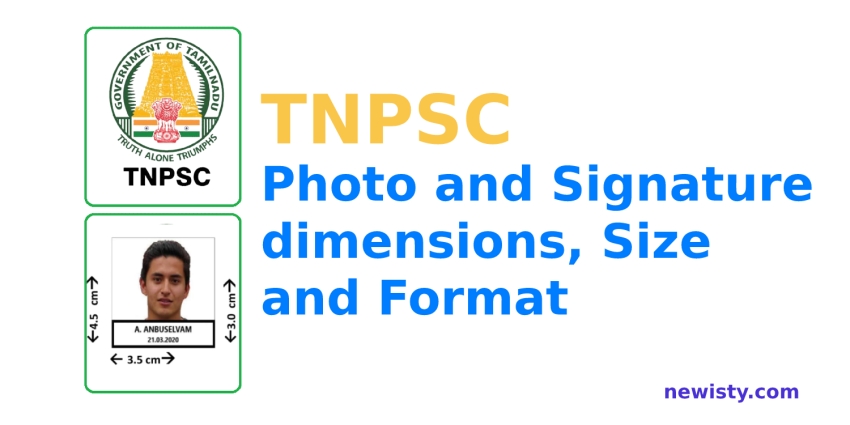
TNPSC Photo and Signature Size, dimensions and Format
TNPSC Exam Photo Compressor size 4.5 cm (height) x 3.5 cm (width) and Signature size 1.5 cm (height) x 3.5 cm (width) image Compressor, Converter, Add Name and Date, Resizer Online Editor Free Tool. TNPSC photo and signature compressor size and dimensions
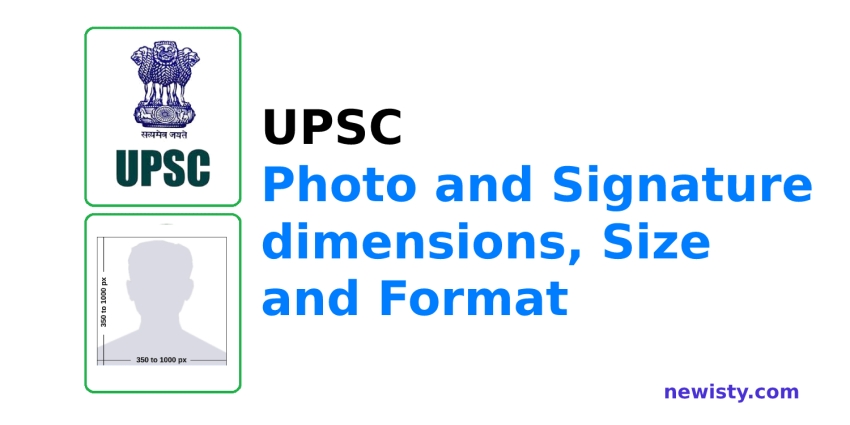
UPSC Photo and Signature Size, dimensions and Format
UPSC Exam Photo and Signature size 350x350 px Resizer Online, Converter and Compressor Tool Free. UPSC photo, image, pic and signature upload size 350 350 edit pixel online for 2022. UPSC photo, image, pic and signature upload size resizer.
Kunt u het antwoord niet vinden waarnaar u op zoek bent? Neem dan contact op met ons supportteam.
Kun je niet vinden wat je zoekt?
Vraag een tool aan en misschien bouwen we hem — we hebben al veel tools gebouwd op verzoek van gebruikers.
Vraag een tool aan