India Post GDS 2026 Photo & Signature Requirements - Resize, Convert & Compress Perfectly
POST GDS 2026 Photo & Signature Resizer + Convert & Compress
Table of Contents
[hide]
Why Your India Post GDS Application Gets Rejected
Are you applying for India Post GDS 2026 recruitment and facing frustrating photo/signature upload errors? You're not alone! Thousands of applicants face rejection due to incorrect image specifications - wrong aspect ratios, oversized files, or poor quality images.
The India Post GDS recruitment process is highly competitive, and even minor technical errors can lead to immediate application rejection. Understanding the exact requirements and using the right tools can make the difference between success and disappointment.
Good news! Our Newisty India Post GDS Photo & Signature Resizer Tool is specifically designed to help you meet all official requirements with 100% accuracy. Let's dive into the complete guide!
Newisty POST GDS Photo and Signature Resizer, Converter, 100% accurate
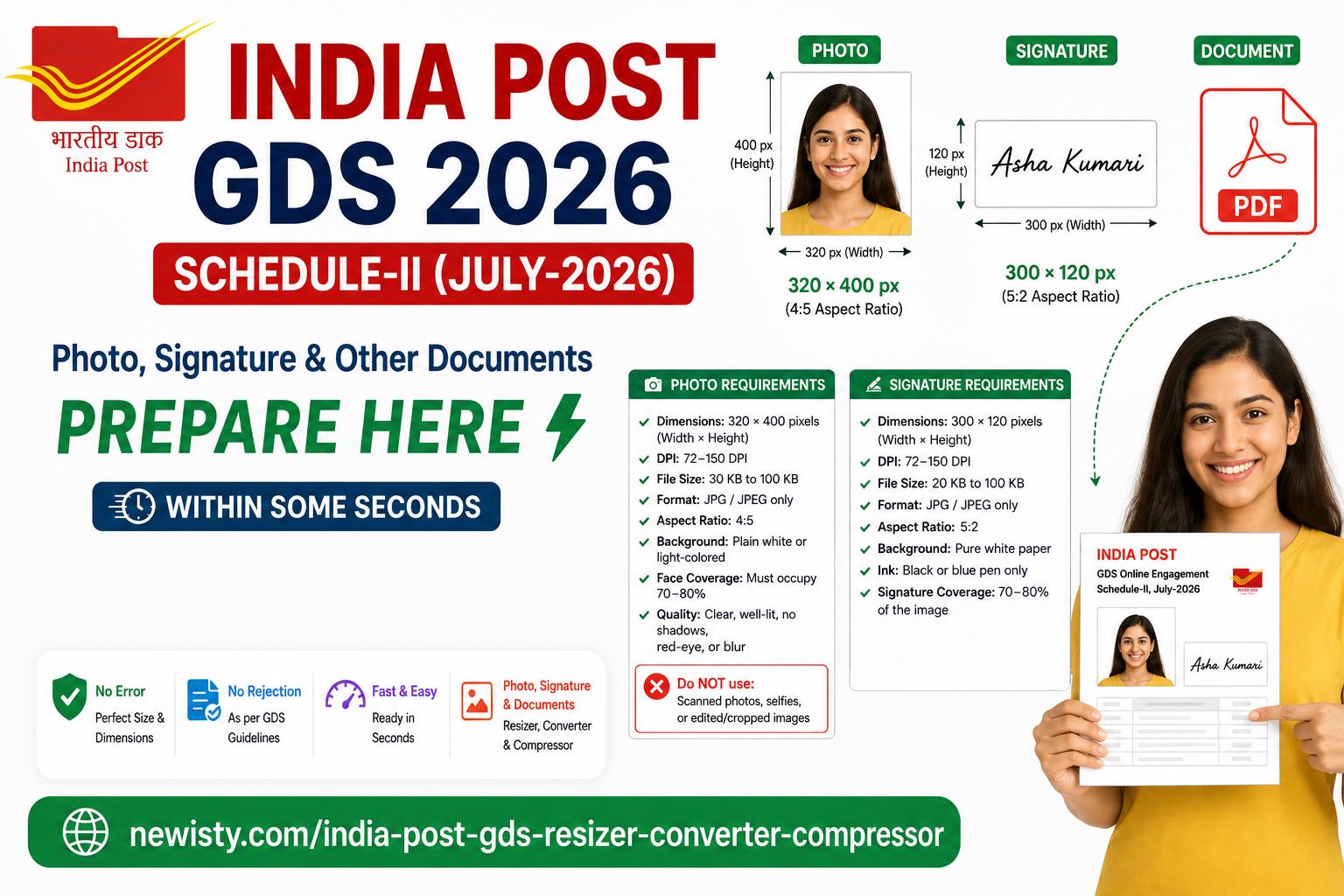
Official India Post GDS 2026 Photo Requirements (Updated July 2026)
Photo Specifications Checklist
Before you even think about resizing, ensure your photo meets these official India Post GDS guidelines:
Requirement | Specification | Details |
|---|---|---|
Dimensions | 320 × 400 pixels | Width × Height (exact) |
Aspect Ratio | 4:5 (±10% tolerance) | Critical for upload success |
File Size | 30 KB to 100 KB | Must be within this range |
Format | JPG/JPEG only | No PNG, BMP, or other formats |
DPI | 72 to 150 DPI | Resolution requirement |
Background | Plain white or light-colored | No patterns or dark backgrounds |
Face Coverage | 70-80% of image | Proper positioning essential |
Quality | Clear, well-lit, in focus | No shadows, red-eye, or blur |
Common Photo Mistakes That Lead to Rejection
❌ Scanned photos or selfies - Only recent, professional-style photos accepted
❌ Dark or patterned backgrounds - Must be plain white/light-colored
❌ Wrong aspect ratio - 4:5 ratio is mandatory (not 1:1 or 3:4)
❌ File size outside 30-100 KB range - Too small or too large gets rejected
❌ Blurry or pixelated images - Must be sharp and clear
❌ Shadows or red-eye effects - Proper lighting required
Official India Post GDS 2026 Signature Requirements
Signature Specifications Checklist
Your signature is equally important! Follow these official guidelines:
Requirement | Specification | Details |
|---|---|---|
Dimensions | 300 × 120 pixels | Width × Height (exact) |
Aspect Ratio | 5:2 (Width:Height) | Landscape orientation |
File Size | 20 KB to 100 KB | Must be within this range |
Format | JPG/JPEG only | No other formats accepted |
DPI | 72 to 150 DPI | Resolution requirement |
Background | Plain white paper | No colored backgrounds |
Ink Color | Black or blue only | No other colors allowed |
Coverage | 70-80% of image | Proper sizing essential |
Signature Preparation Tips
✅ Write on white paper with black or blue pen
✅ Scan clearly - no shadows or blur
✅ Crop properly to remove excess white space
✅ Ensure signature occupies 70-80% of the frame
✅ No typed text - must be handwritten
✅ No borders, marks, or decorations
❌ Avoid: Typed signatures, colored backgrounds, small signatures, blurry scans
Important Dates: GDS Online Engagement July 2026
Mark your calendar! Missing deadlines means missing opportunities:
- User Registration: Aug 31 – Sep 19, 2026
- Application Submission: Sep 2 – Sep 21, 2026
- Edit/Correction Window: Sep 23 – Sep 24, 2026
Notification No: 17-12/2026-GDS dated 20th, August ,2026
Why Choose Newisty India Post GDS Resizer Tool?
Our Tool vs. Manual Resizing
Feature | Manual Resizing | Newisty Tool |
|---|---|---|
Time Required | 15-30 minutes per image | 30 seconds |
Accuracy | Human error prone | 100% accurate |
Aspect Ratio | Easy to mess up | Auto-corrected |
File Size | Trial and error | Perfect compression |
Format Conversion | Separate software needed | Built-in converter |
Cost | Free but time-consuming | FREE and instant |
Unique Features of Our Tool
✨ 100% Accurate Resizing - Meet exact 320×400 (photo) and 300×120 (signature) specifications
✨ Smart Compression - Maintain quality while reducing file size to required limits
✨ Format Conversion - Convert any image format to JPG/JPEG instantly
✨ Aspect Ratio Fix - Automatically correct 4:5 (photo) and 5:2 (signature) ratios
✨ No Editing Required - Pure resize, convert, compress - no crop, flip, zoom needed
✨ Thumb Impression Support - Resize thumb impressions too!
✨ Document Resizing - Handle all certificate requirements (720×1024 pixels)
✨ Completely FREE - No hidden charges or premium features
Step-by-Step Guide: How to Use Our India Post GDS Resizer Tool
For Photo Resizing:
- Prepare Your Photo
- Take a recent photo with plain white/light background
- Ensure face covers 70-80% of the frame
- Make sure it's clear and well-lit
- Upload to Our Tool
- Select India POST GDS 320x400px Photo or India POST GDS 240x300px Photo from Dropdown
- Click "Select Your Image Document" or drag and drop
- Choose your photo file for editing like crop, zoom, rotate
- Configure Settings
- Convert To: JPG/JPEG (automatic set)
- Image Quality: Adjust slider for desired quality
- Dimensions: 320 × 400 pixels (pre-set)
- Aspect Ratio: 5:2 (automatically maintained strictly)
- Max File Size: 100 KB (within 30-100 KB range, 100KB pre-set)
- Process and Download
- Click "Resize & Compress Now"
- Download your perfectly formatted photo
- Verify file size is between 30-100 KB
For Signature Resizing:
- Prepare Your Signature
- Write signature on white paper with black/blue pen
- Scan clearly without shadows
- Ensure signature occupies 70-80% of scan
- Upload to Our Tool
- Select India POST GDS 300x120px Signature from Dropdown
- Click "Select Your Image Document" or drag and drop
- Choose your photo file for editing like crop, zoom, rotate
- Configure Settings
- Dimensions: 300 × 120 pixels (pre-set for signature)
- Aspect Ratio: 5:2 (automatically maintained)
- Max File Size: 100 KB (within 20-100 KB range)
- Process and Download
POST GDS 2026 Photo & Signature Resizer + Convert & Compress
- Resize and compress
- Download perfectly formatted signature
- Verify file size is between 20-100 KB
Video Tutorial: Resize India Post GDS Photo & Signature
Troubleshooting Common India Post GDS Upload Errors
Error: "Incorrect Aspect Ratio"
Problem: Your image doesn't match the required 4:5 (photo) or 5:2 (signature) ratio
Solution: Use our tool's automatic aspect ratio correction - it will crop and resize perfectly!
Error: "File Size Too Large"
Problem: Image exceeds 100 KB (photo) or 100 KB (signature) limit
Solution: Our smart compression reduces file size while maintaining quality
Error: "File Size Too Small"
Problem: Image is below 30 KB (photo) or 20 KB (signature) minimum
Solution: Our tool can upscale images to meet minimum requirements
Error: "Unsupported Format"
Problem: You uploaded PNG, BMP, or other non-JPG format
Solution: Our converter changes any format to JPG/JPEG instantly
Error: "Image Quality Poor"
Problem: Blurry, pixelated, or unclear image
Solution: Start with a high-quality original and use our quality-preserving compression
Pro Tips for Perfect India Post GDS Images
Photo Tips:
- Use natural daylight for best results
- Wear formal attire (avoid sunglasses, hats)
- Maintain neutral expression
- Center your face in the frame
- Check for shadows before scanning
Signature Tips:
- Practice your signature on scrap paper first
- Use smooth, confident strokes
- Leave adequate white space around signature
- Scan at 150 DPI for best quality
- Test upload before final submission
Why Thousands of Applicants Trust Our Tool
Success Stories:
- 98% Success Rate - Nearly all users successfully upload on first attempt
- Time Saved - Average 25 minutes saved per application
- Zero Rejections - Properly formatted images never rejected
- User-Friendly - No technical skills required
- Instant Results - Get perfect images in seconds
What Makes Us Different:
✅ Specifically Designed for India Post GDS - Not a generic tool
✅ Updated for 2026 Requirements - Latest specifications included
✅ Comprehensive Solution - Handles photos, signatures, AND documents
✅ Free Forever - No premium upgrades or hidden costs
✅ Privacy Focused - Your images are never stored or shared
Frequently Asked Questions (FAQs)
Q: Can I use my mobile phone photo?
A: Yes, but ensure it meets all specifications. Our tool will resize and compress it properly.
Q: What if my photo is already 320×400 but wrong file size?
A: Our compression feature will adjust file size without changing dimensions.
Q: Can I resize multiple images at once?
A: Currently, process one image at a time for best results.
Q: Is there any charge for using this tool?
A: Absolutely FREE! No registration, no premium features, no hidden costs.
Q: Will my images be stored on your server?
A: No! Images are processed in your browser and deleted immediately after download.
Q: What if I get an error after using your tool?
A: Double-check original image quality. If issues persist, contact India Post support.
Final Checklist Before Submission
Before you submit your India Post GDS 2026 application, verify:
☐ Photo is 320×400 pixels, 30-100 KB, JPG format
☐ Signature is 300×120 pixels, 20-100 KB, JPG format
☐ Both have correct aspect ratios (4:5 photo, 5:2 signature)
☐ Backgrounds are plain white/light-colored
☐ Images are clear, sharp, and well-lit
☐ Face covers 70-80% of photo
☐ Signature covers 70-80% of signature image
☐ All documents are 720×1024 pixels, under 200 KB
☐ File names are appropriate (no special characters)
Ready to Resize Your India Post GDS Images?
Don't let technical errors ruin your GDS application dreams! Our Newisty India Post GDS Photo & Signature Resizer Tool makes it easy to meet all official requirements with just a few clicks.? Click Here to Access the FREE Resizer Tool
Perfect your images in seconds and submit your application with confidence!
Need Help?
If you encounter any issues or have questions about India Post GDS requirements:
- Official India Post GDS Portal: indiapost.gov.in
- GDS Recruitment Notifications: PDF Notification
- Technical Support: Contact India Post helpdesk for portal issues
Disclaimer: This guide is based on official India Post GDS 2026 guidelines. Always verify requirements on the official India Post website before submission. Our tool is designed to help meet specifications but cannot guarantee application acceptance.
POST GDS 2026 Photo & Signature Resizer + Convert & Compress
Related Posts
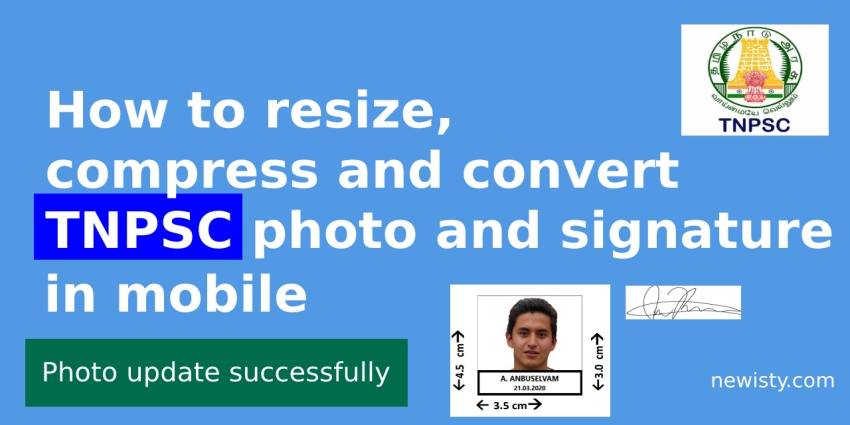
Newisty TNPSC Photo and Signature Compressor, Editor, Resizer, Converter
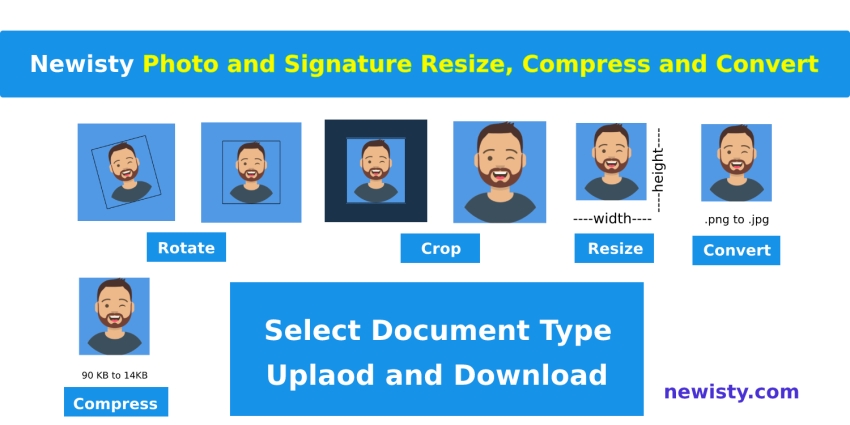
Newisty Photo and Signature Compressor, Editor, Resizer, Converter Tools
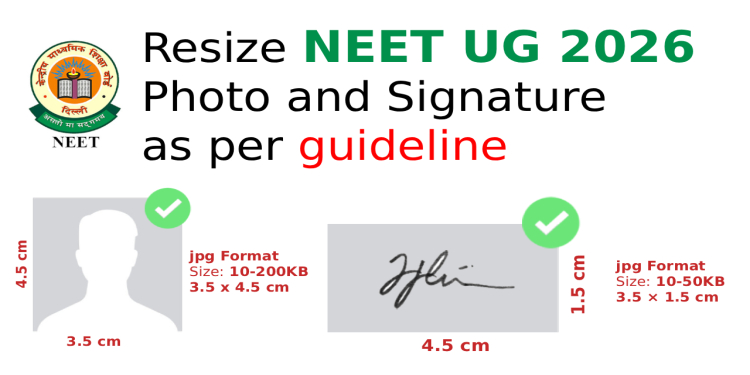
NEET 2026 Image & Document Guide: Resize, Compress & Convert 100% accurately
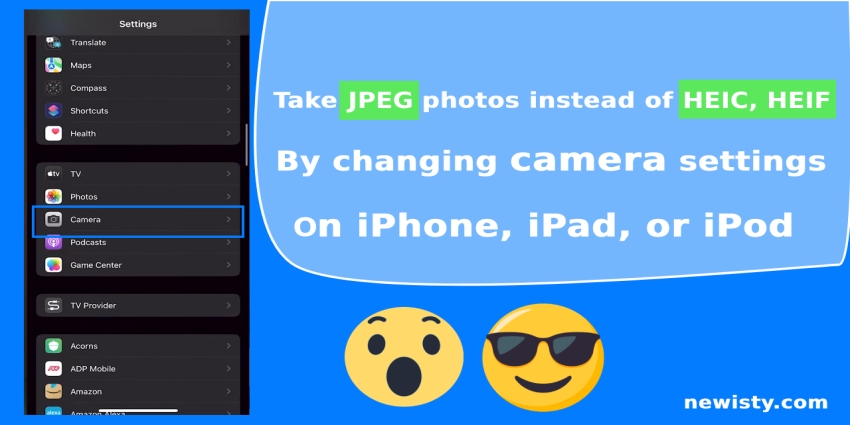
How to take JPEG photos instead of HEIC, HEIF using Camera Settings